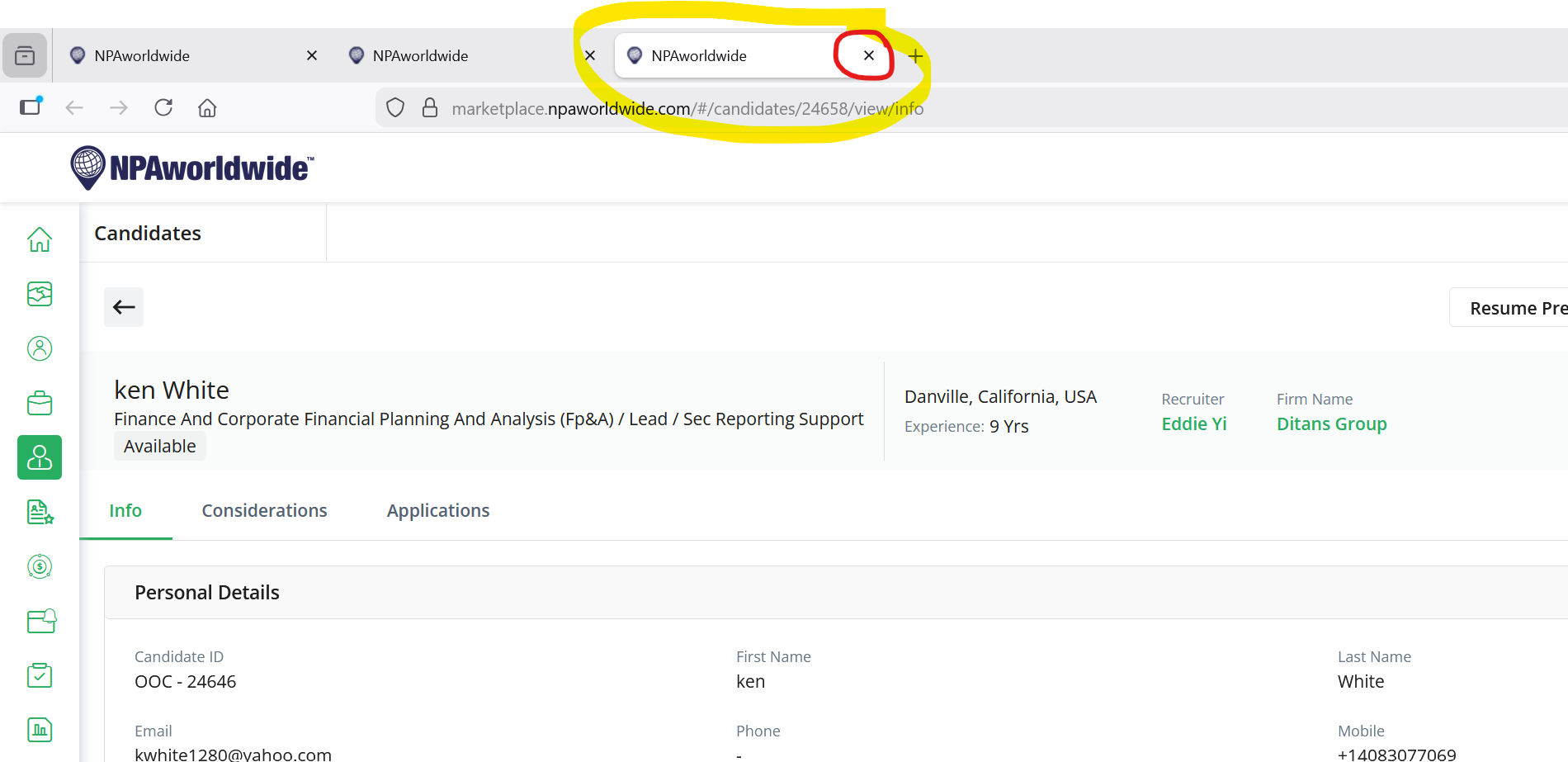
We recently had an inquiry from a member who said that when they do a search for candidates, and then open a candidate from the results and click back, they "lose" their search. They happened to be using the keyword search, which opens candidates into a new tab - which you can then close to go back to your search results in the previous tab.
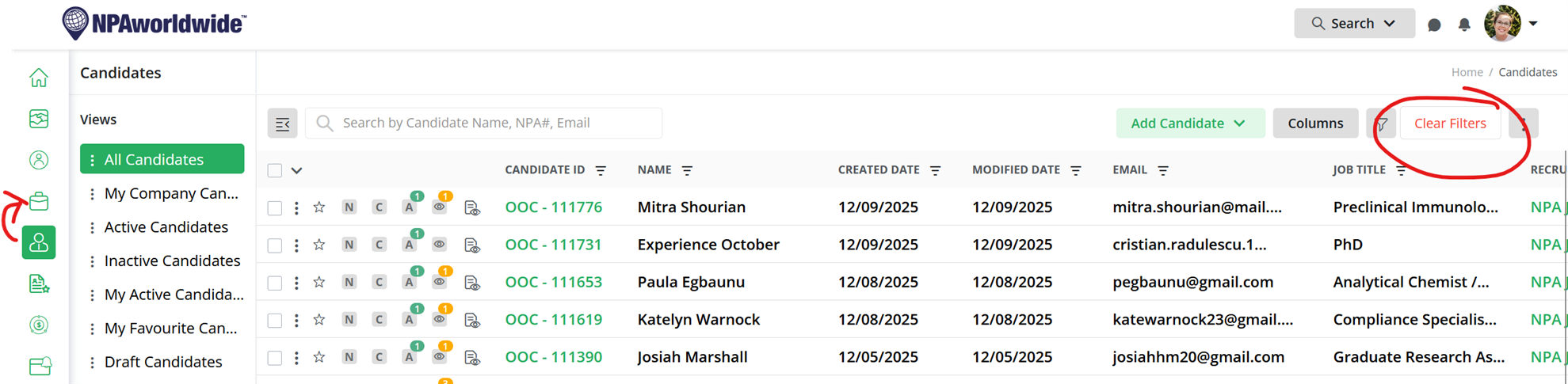
Marketplace will retain your search until you either 1) Click 'Clear Filters' in Marketplace, or 2) Navigate to a different module within Marketplace (i.e. if you are in Candidates and move to Jobs / Recruiters / Splits). Here is an explanation of how to get back to your search...
I am using the Candidates module as an example, but the searches work the same whether you are searching jobs, candidates, recruiters, etc.
EXAMPLE 1 - If you use the FILTER search:
If you use the filter search (top-right icon that looks like a funnel),
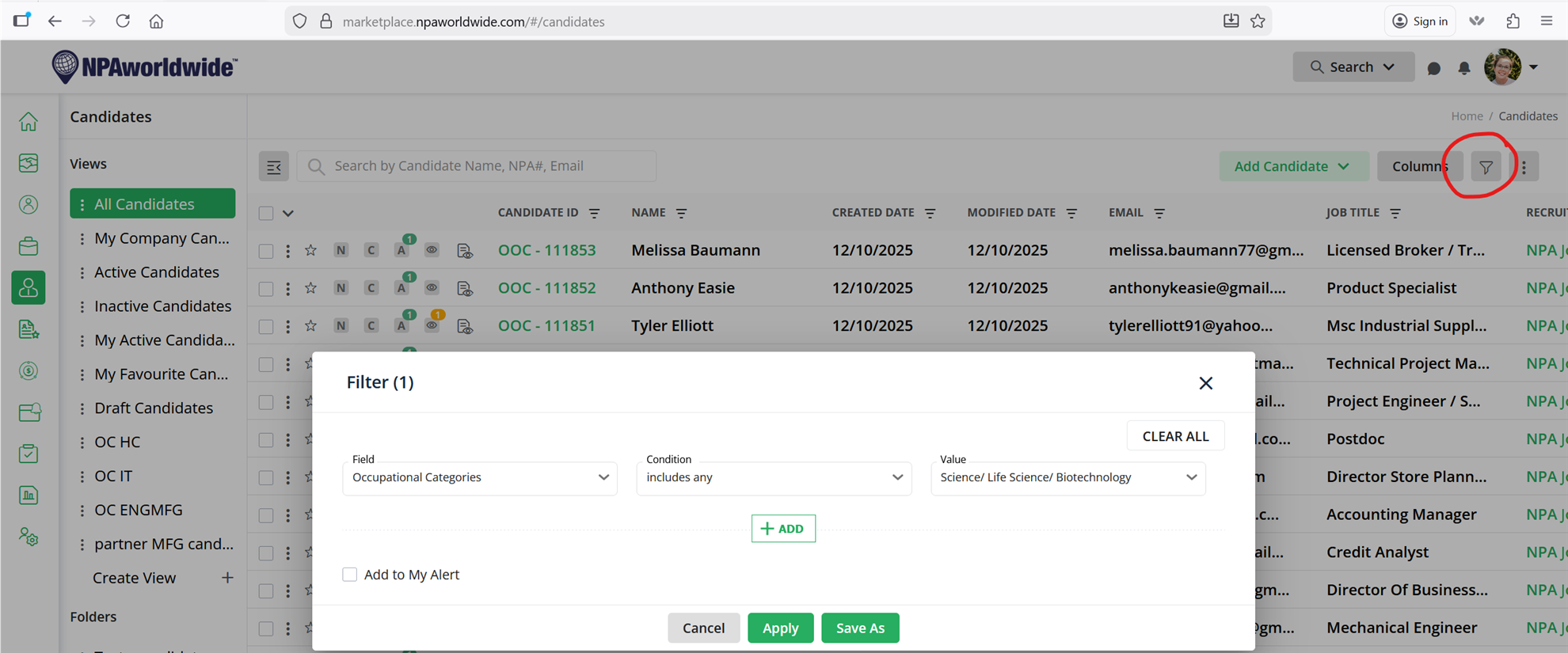
Your results will look like this:
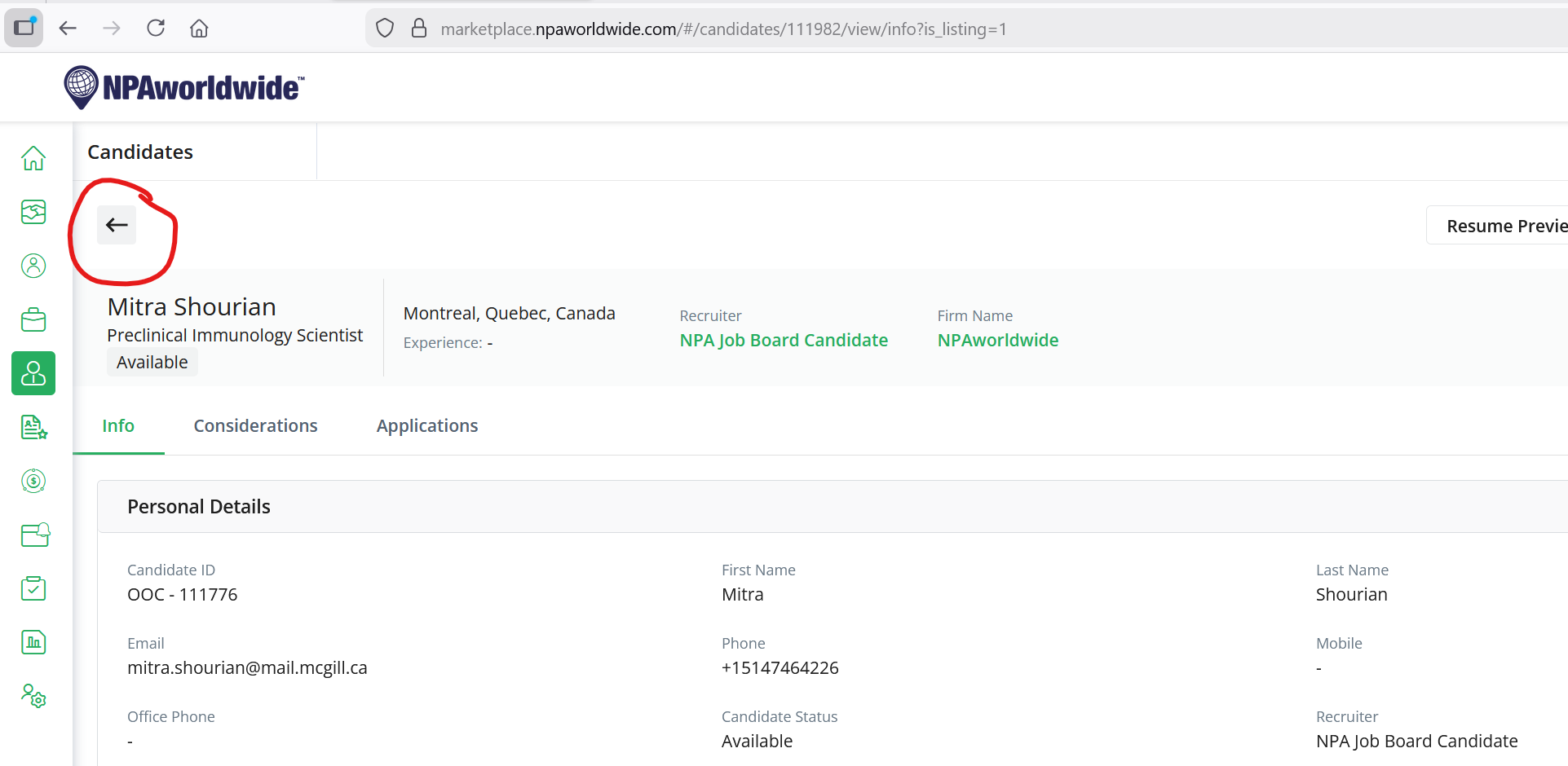
If you click the candidate's ID # to open the candidate, it will open the candidate's detail page. To go back to your search results, just click the back arrow within the Marketplace window:
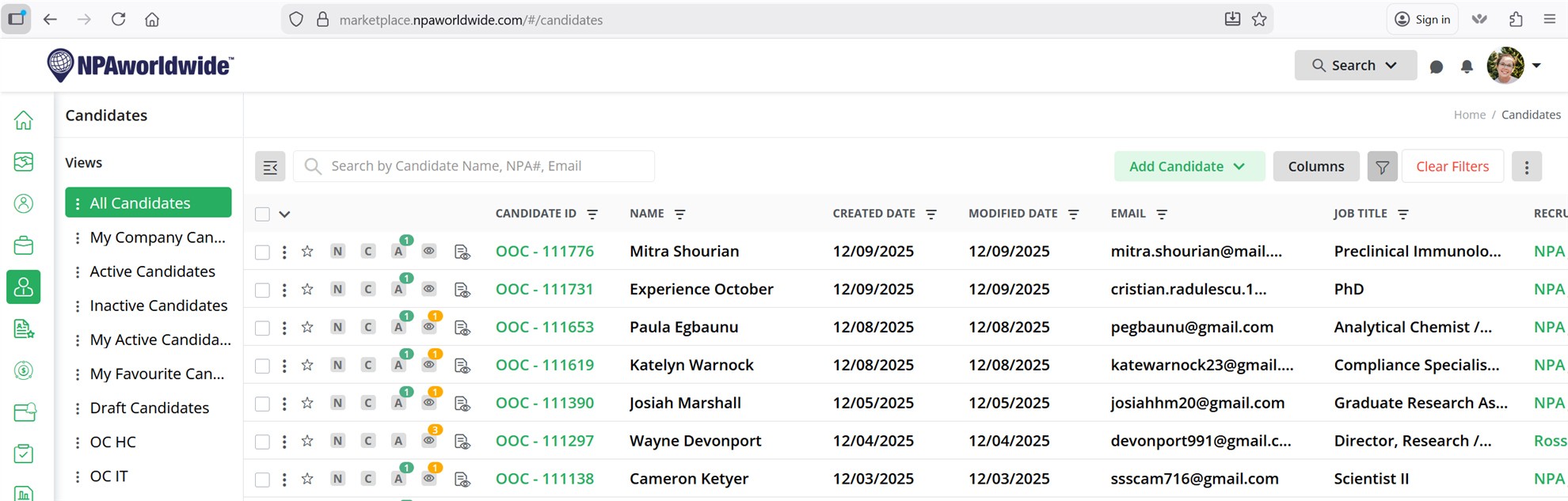
It will keep your search parameters unless you click 'Clear Filters' OR navigate to a different module, or close the window:
EXAMPLE 2 - If you use the KEYWORD search:
The Keyword search (using the top right search bar) works a little differently:
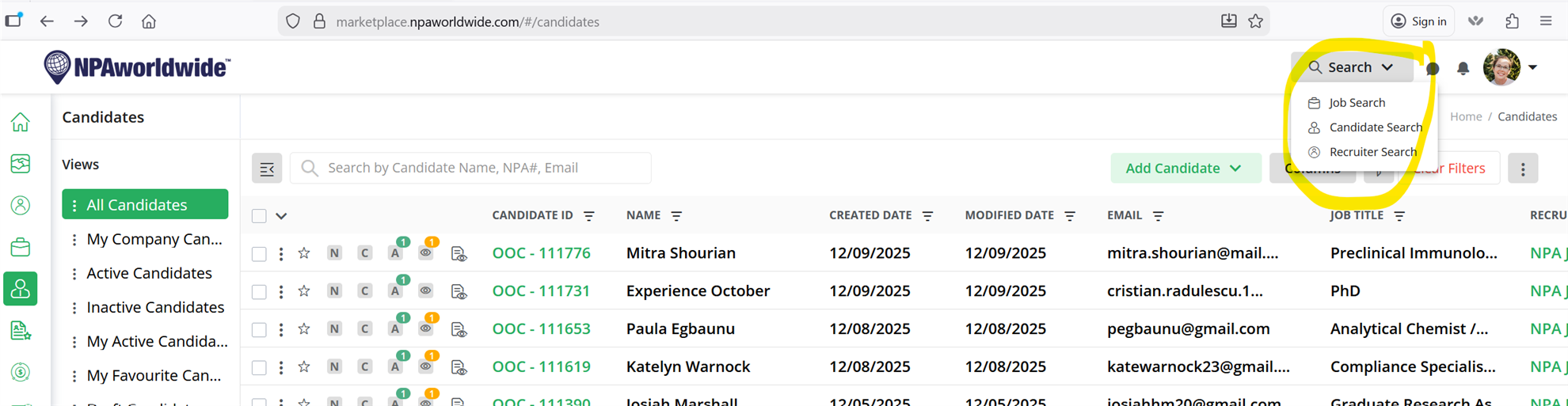
Your results will look like this:
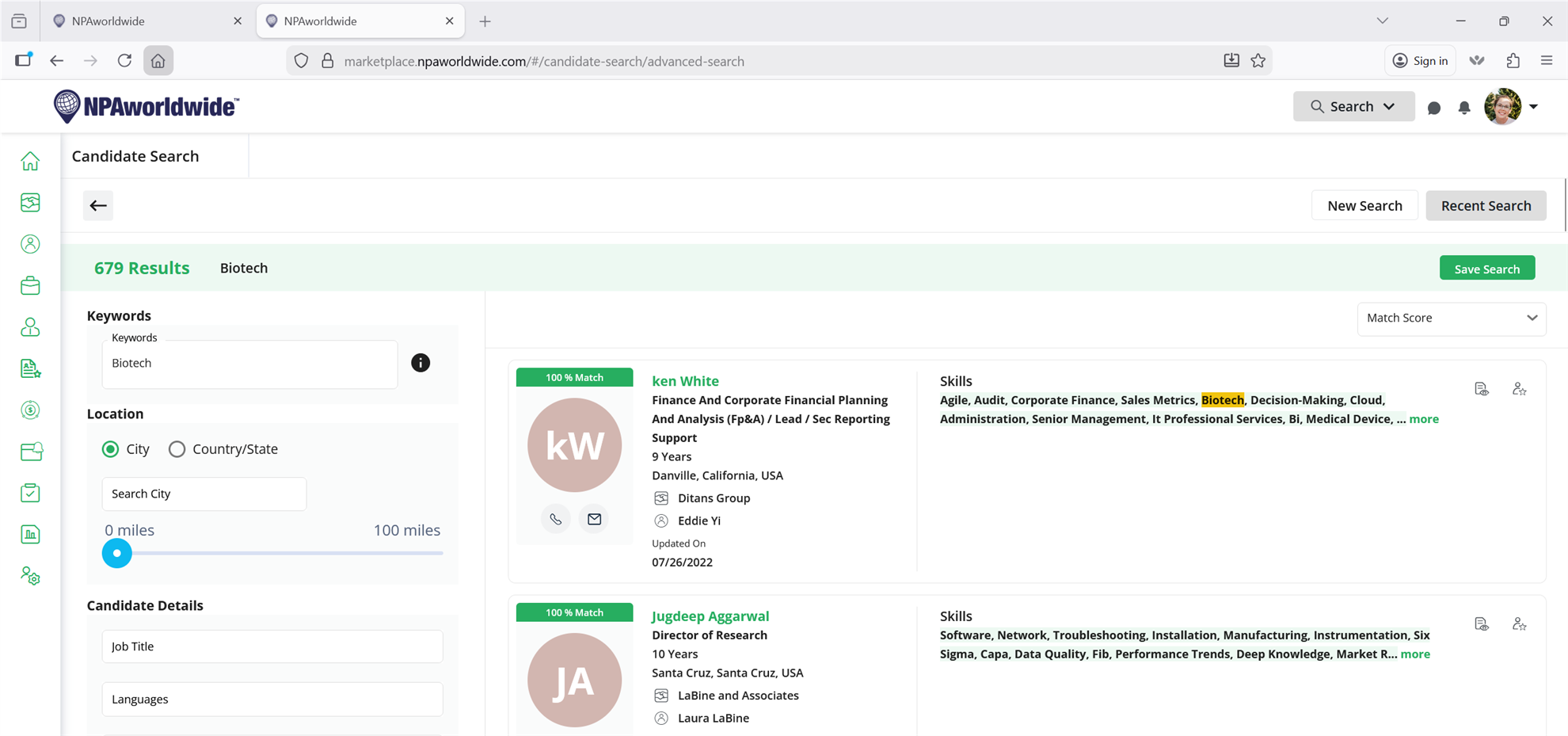
When you click a candidate's name, it will actually open in a new tab. If you want to get back to your search results, just click the x on the tab to go back to the previous tab (your search results). The back button won't work to go back to your search (it will just bring you back to all candidates), as it is a new tab: