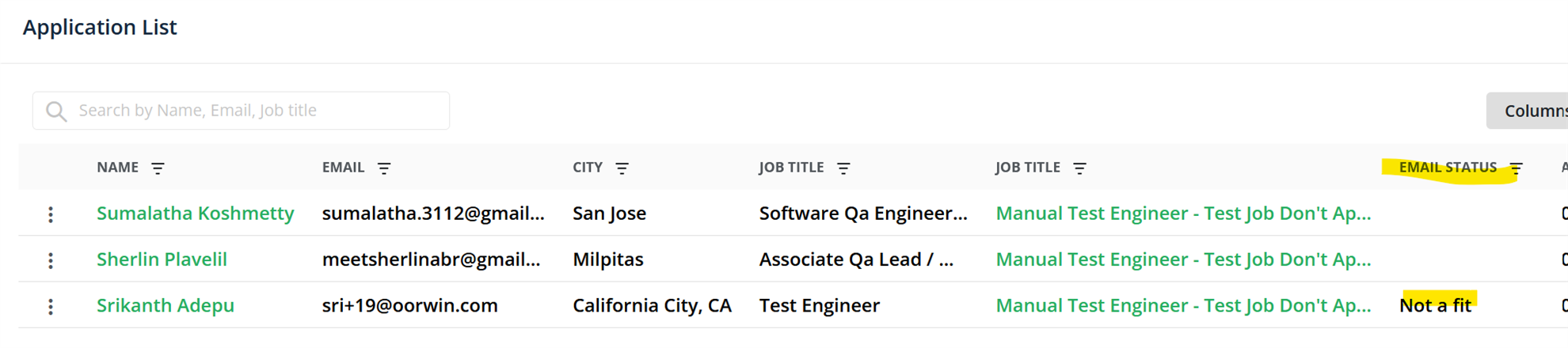
Have you posted a job to the NPA Job Board? Make sure you are reviewing applications to your job and responding to those candidates. We have pre-made templates within Marketplace to make it easy to respond. Once you respond, it will be reflected in the Status column to easily keep track of which candidates you've reached out to, as well as which were not a fit.
Here’s instructions:
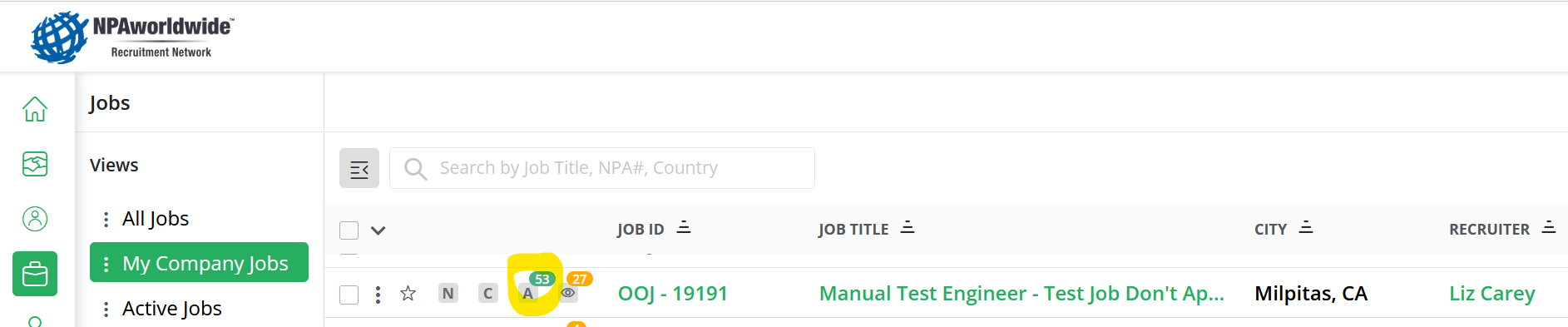
Open up the applications to your job(s) by clicking the ‘A’ column on your job:
After you review the candidate(s), click on the three dots to the left of each applicant’s name to respond to them.
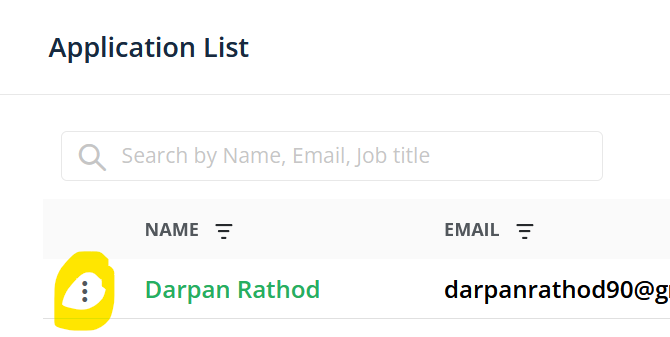
You have two options: ‘Compose email’ or ‘Not a fit’
- ‘Not a fit’ is a generic template that gets sent to the candidate from a no-reply email address. You can change the subject / body, or leave as is, and send. The candidate will not have your information, but will receive this email letting them know they aren’t in consideration for the job.
- ‘Compose email’ is a blank template where you can write your own message to the candidate. This does come from your email address, so they will be able to reply to you. Make sure to input a subject and a body for your email.
- Examples you could use:
- Hi, [candidate’s name]!, Thank you for applying. After thoroughly reviewing your application, we regret to inform you that you have not been considered for this position. However, I am keeping your application on file for future consideration.
- Hi, [candidate’s name]! Thank you for applying. After thoroughly reviewing your application, I would like to schedule a call with you to acquire additional details and discuss the position in greater detail!
- Examples you could use:
You will also see a new ‘Status’ column to reflect which of these emails (if any) you sent the applicants, so you can quickly scroll thru the list and see which candidates you have already communicated to (‘not a fit’ or ‘contacted’).