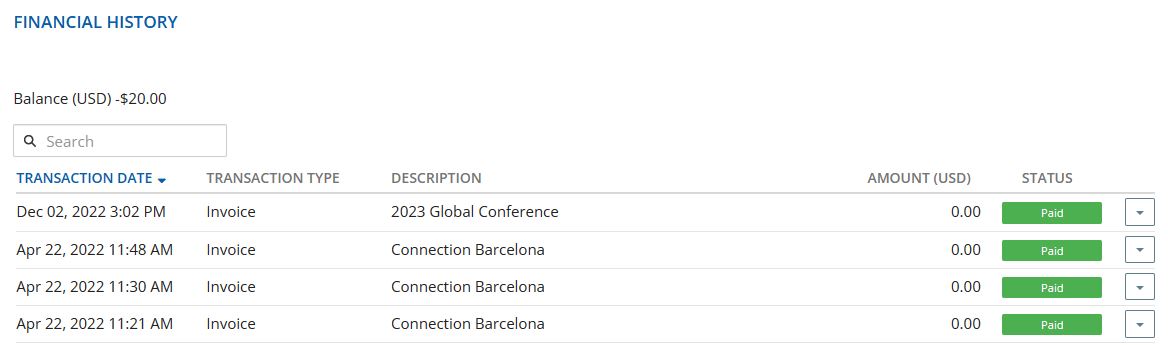
If you misplace your electronic receipt or meeting confirmation, you can access this information directly in your NPA Central dashboard.
Log in to NPA Central dashboard, then click Edit My Profile under your profile picture. On your profile screen, click the Finances tab. On the lower right section of the screen there is a Financial History dashlet that shows meetings you have registered and paid for. Clicking on the down arrow all the way to the right gives you options to view or print copies of these receipts and invoices. Caveat: The financial history is recorded in the account of the person who actually ordered and paid for the event. So if you have an admin person in your office or someone else who does these tasks, you'll need them to access the information for you. As a reminder, with our current NPA Central system, we have some ability to charge for events in certain local currencies - primarily Euros and Australian dollars. This means if you are a member in Australia and are going to attend our Brisbane event later this year, your invoice will be accurately rendered in Australian dollars. Yay!