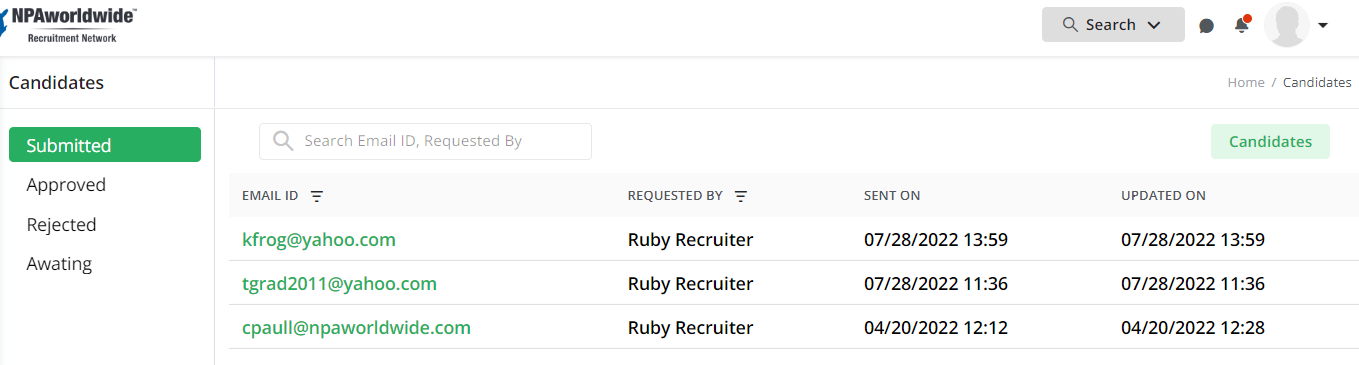
Did you invite a candidate using your invite link, and they said they registered, but you aren’t seeing them in your candidates list? That’s because you must first ‘approve’ them and add your Recruiter Comments! Here’s how to access:
On your NPAmarketplace dashboard, a red dot on the Bell icon indicates you have Notifications and/or Approvals needing your attention.
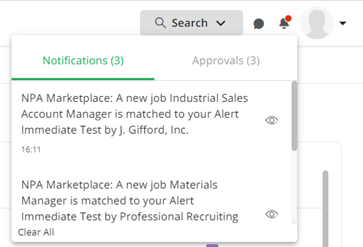
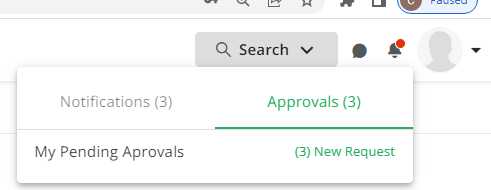
In the following illustration, Click on the word Approvals. A message window says I have 3 Pending Approvals. Click on the (3) New Request (see image below) and a list window opens showing the 3 invited candidates.
The next step is to click on the candidate's email address to open their profile to which you must add your recruiter comments, review the data the candidate provided then click the Post Candidate button.